WineJS
the first real WebOS
Install any Windows app → gets a URL. Install any Web app → gets a URL.
40+ apps already working. Add more in minutes.

⚡ Windows apps
KasmVNC + Wine (Wine Is Not an Emulator). Real compatibility layer, no VM overhead.
🌐 Web apps
Docker containers, automatically integrated. Same script template for both worlds.
🔗 Unified result
https://yourdomain.com/appname
— no manual nginx, no port fights.
Every app on your WineJS server — Windows apps, web apps, games, tools — shares the same upload and download folder at
/var/www/uploads.What does this mean in practice?
• A 3D artist uploads a model to
/upload (DumbDrop portal)• A game developer opens MilkShape 3D at
/milkshape → loads the model from
/uploads →
edits it → saves back to /uploads• Anyone can then download the finished model from
/download (FileServer
portal)No USB drives. No email attachments. No "send me the file." Just one shared workspace. All apps see it. All users can access it.
This turns your WineJS server into a collaborative production pipeline — perfect for game jams, remote teams, classrooms, or just moving files between Windows apps and web apps without leaving your browser.
📦 In order to install WineJS you need these three apps

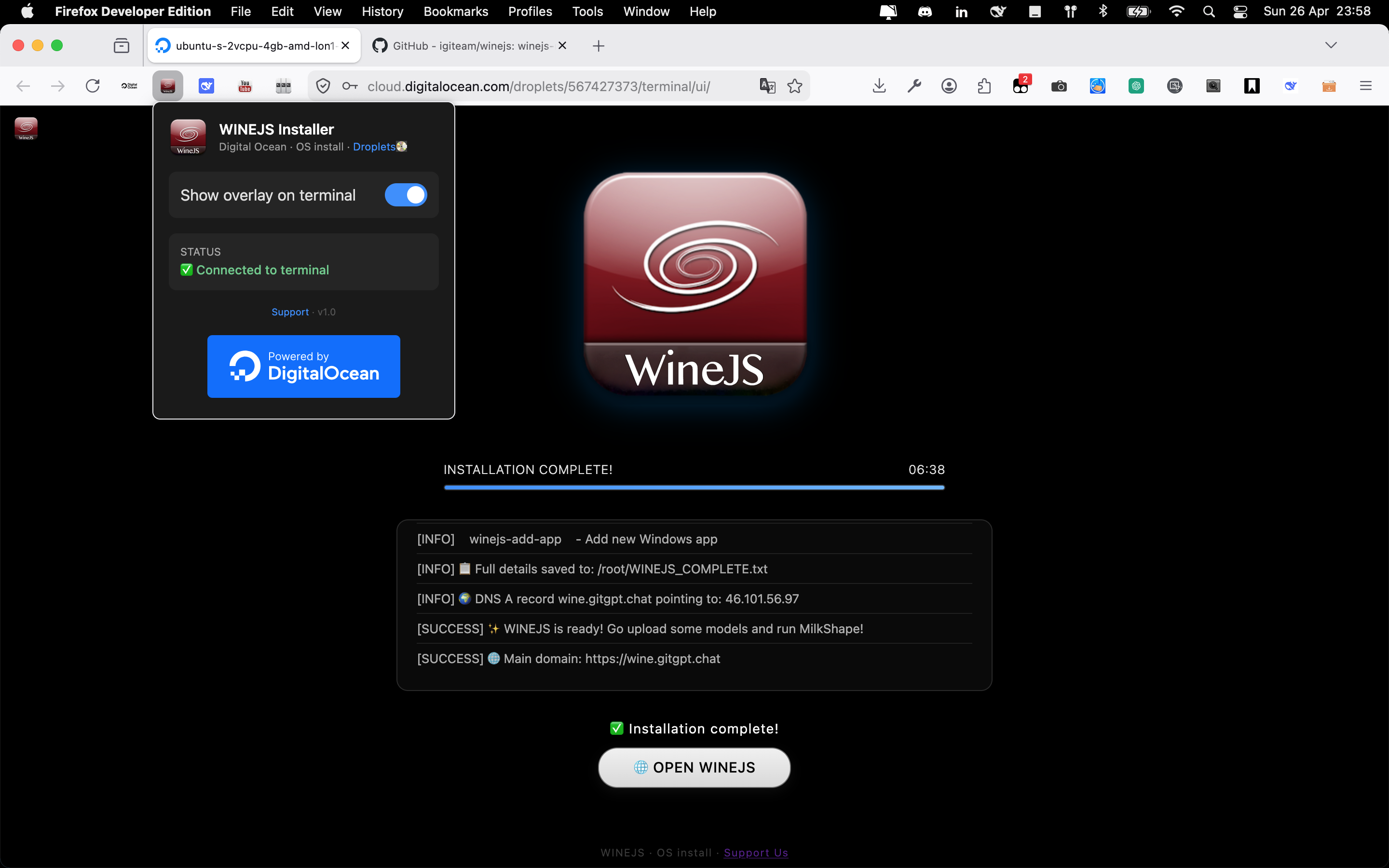
WineJS Firefox Addon
DigitalOcean Droplet Manager
One-click droplet creation + WineJS installer.
Install add-on →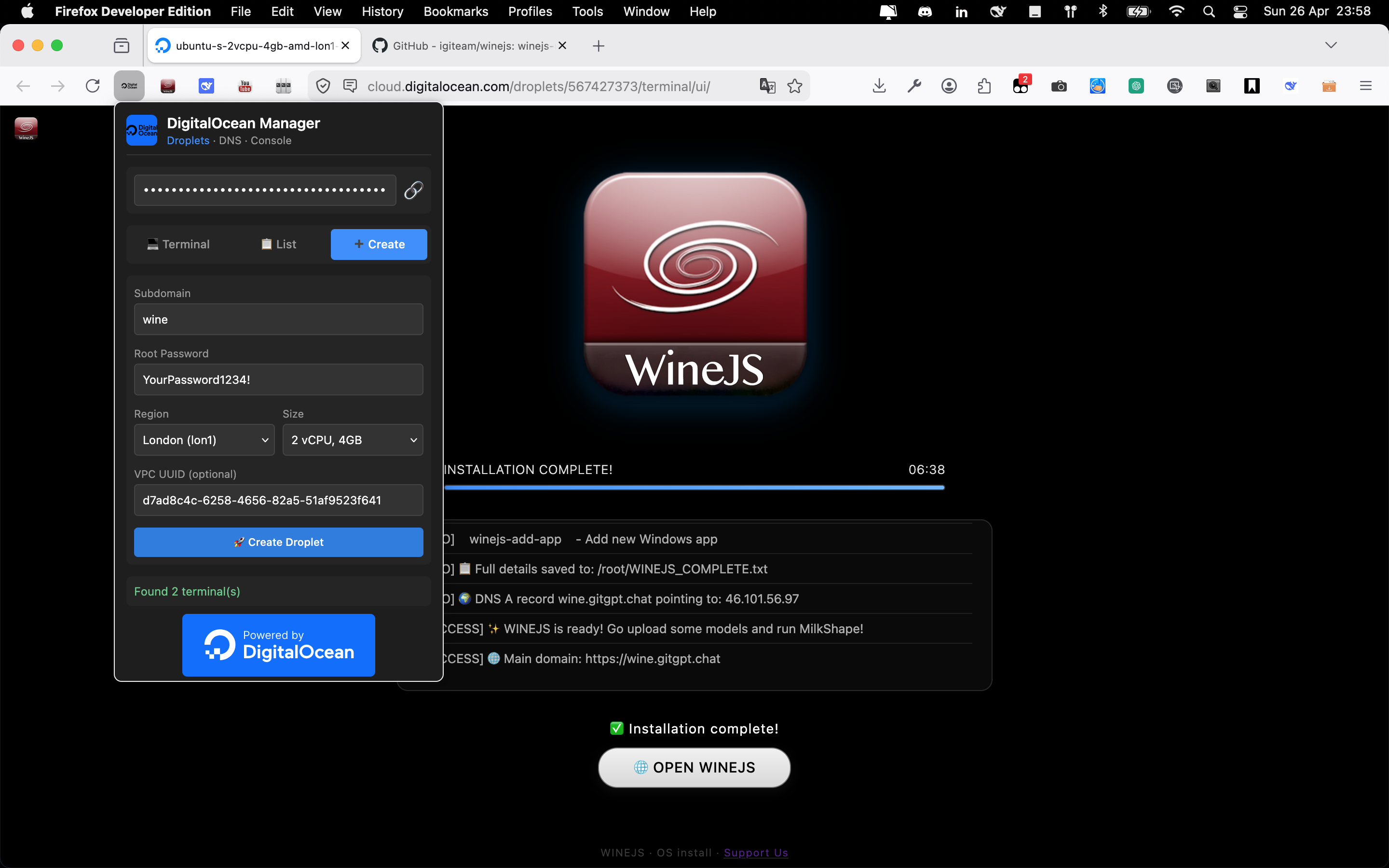
WineJS Firefox Addon
Digital Ocean Droplets - Terminal integration, script runner, quick deploy.
Install add-on →⚙️ Deploy WineJS in minutes
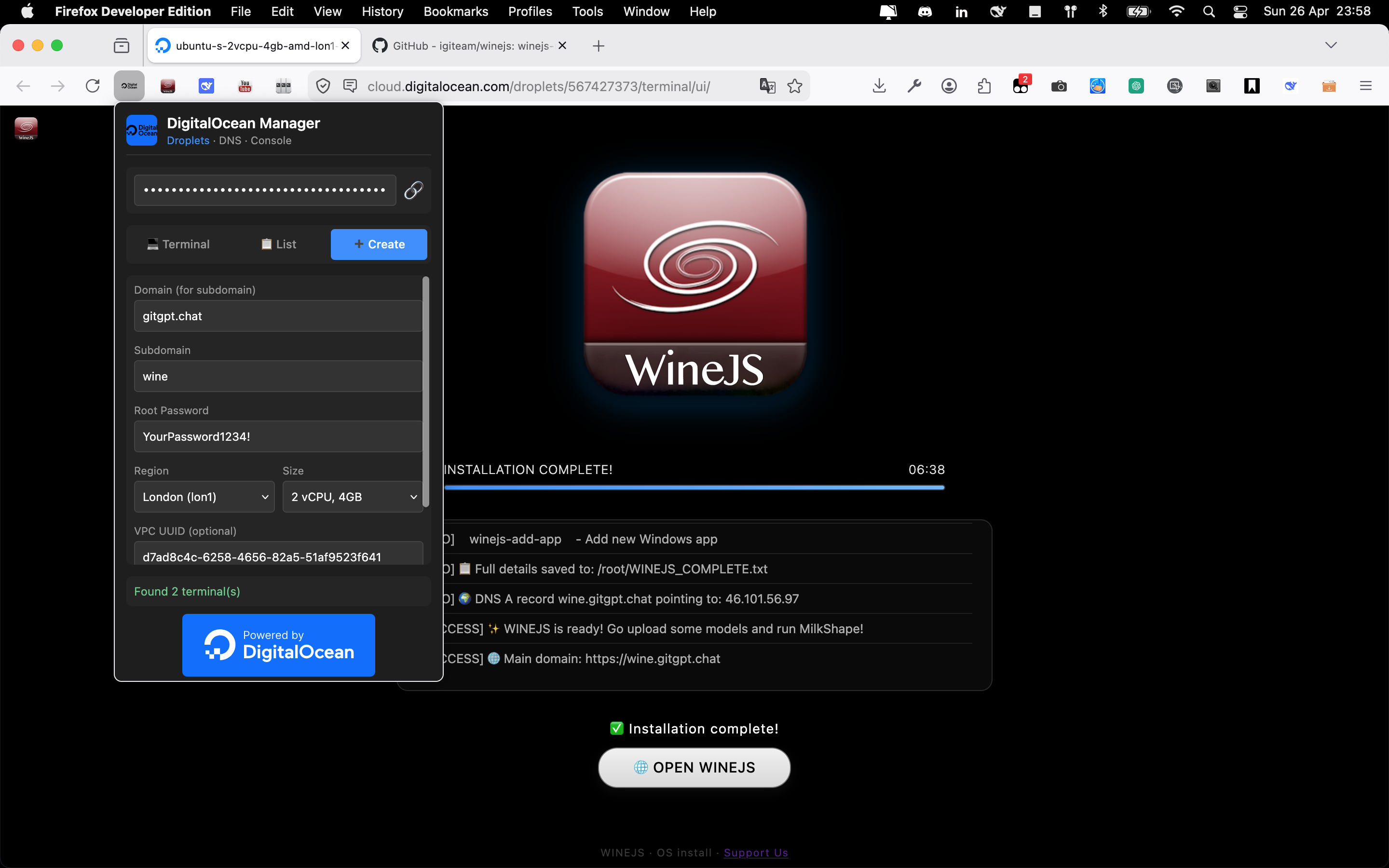
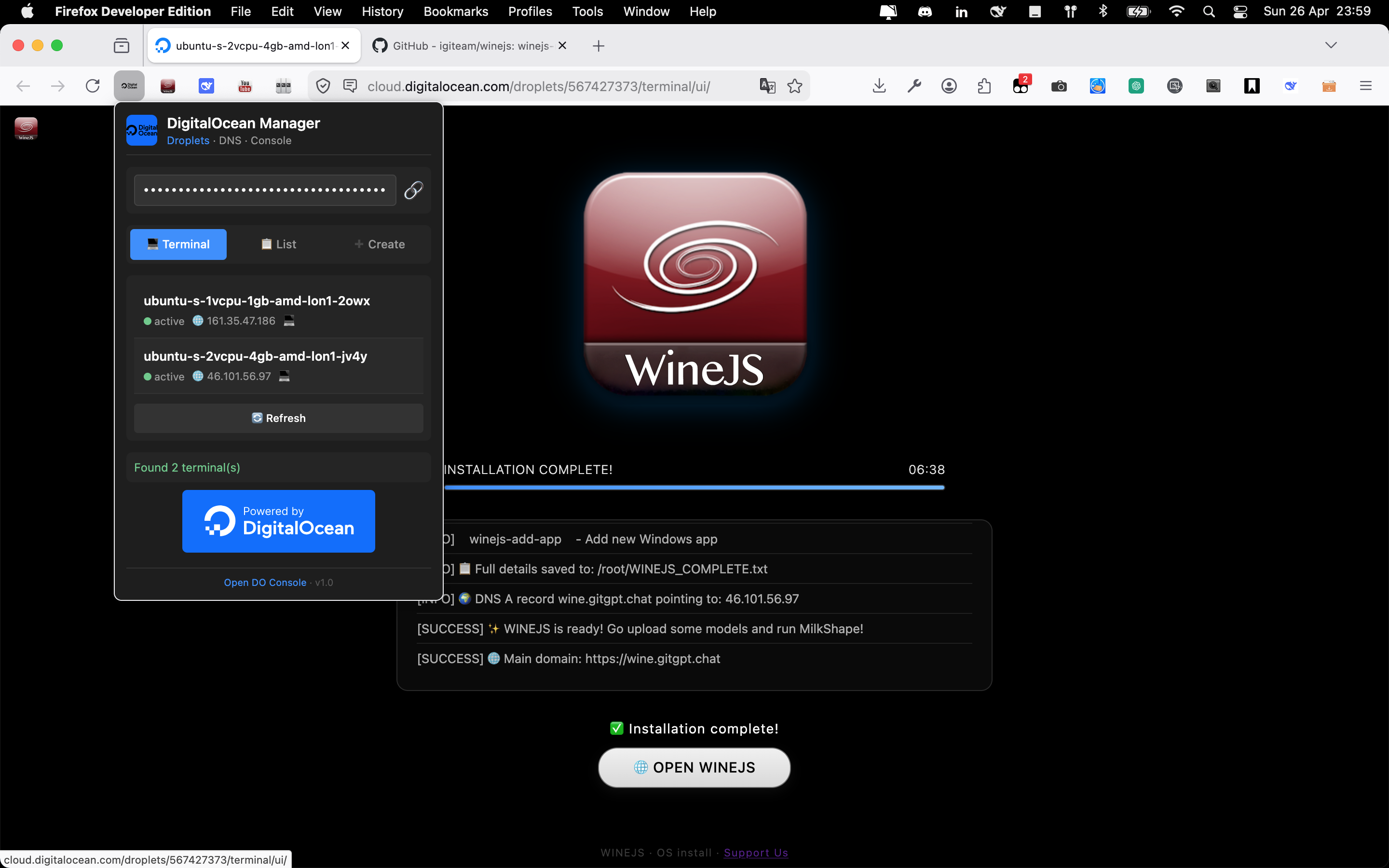
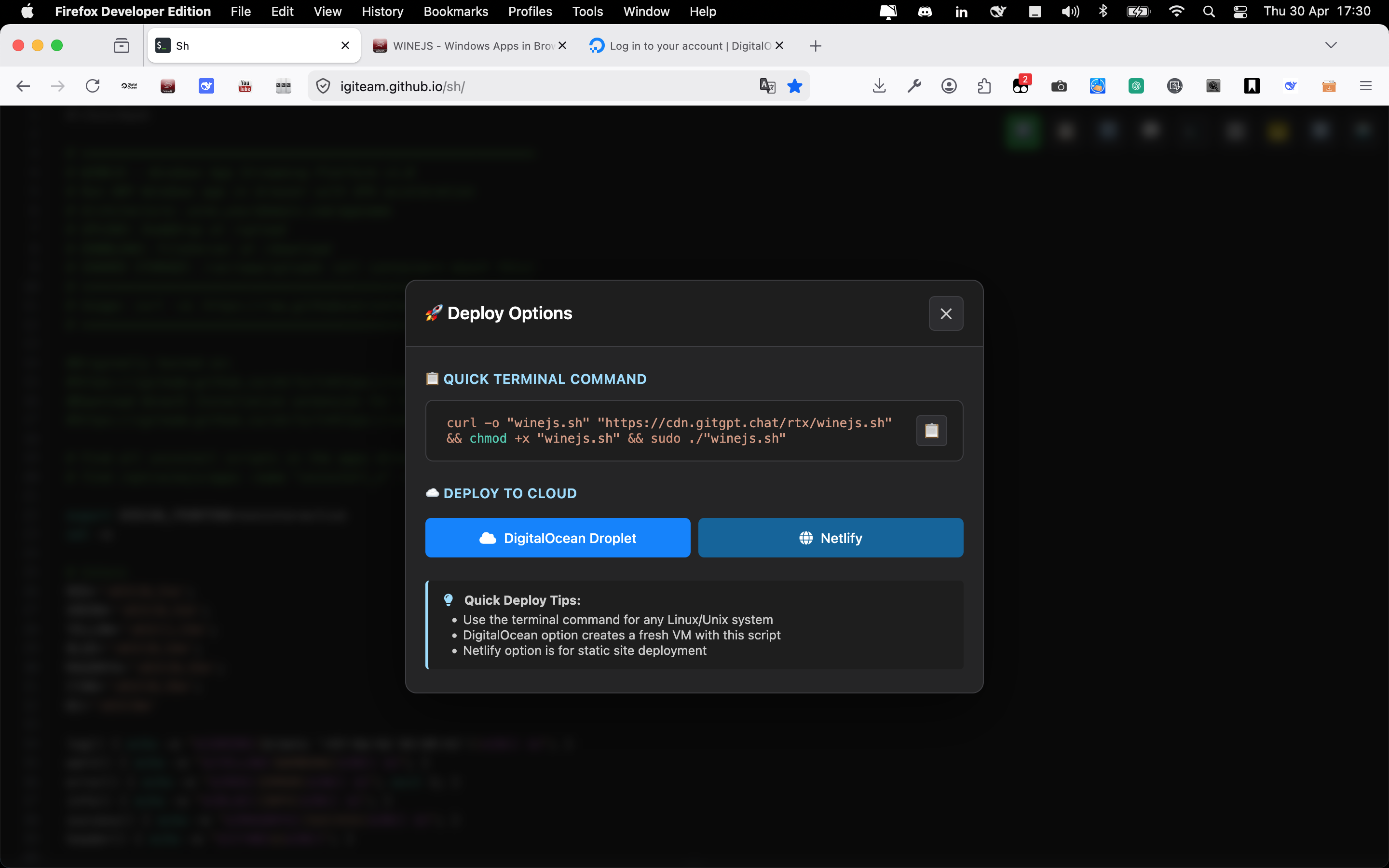
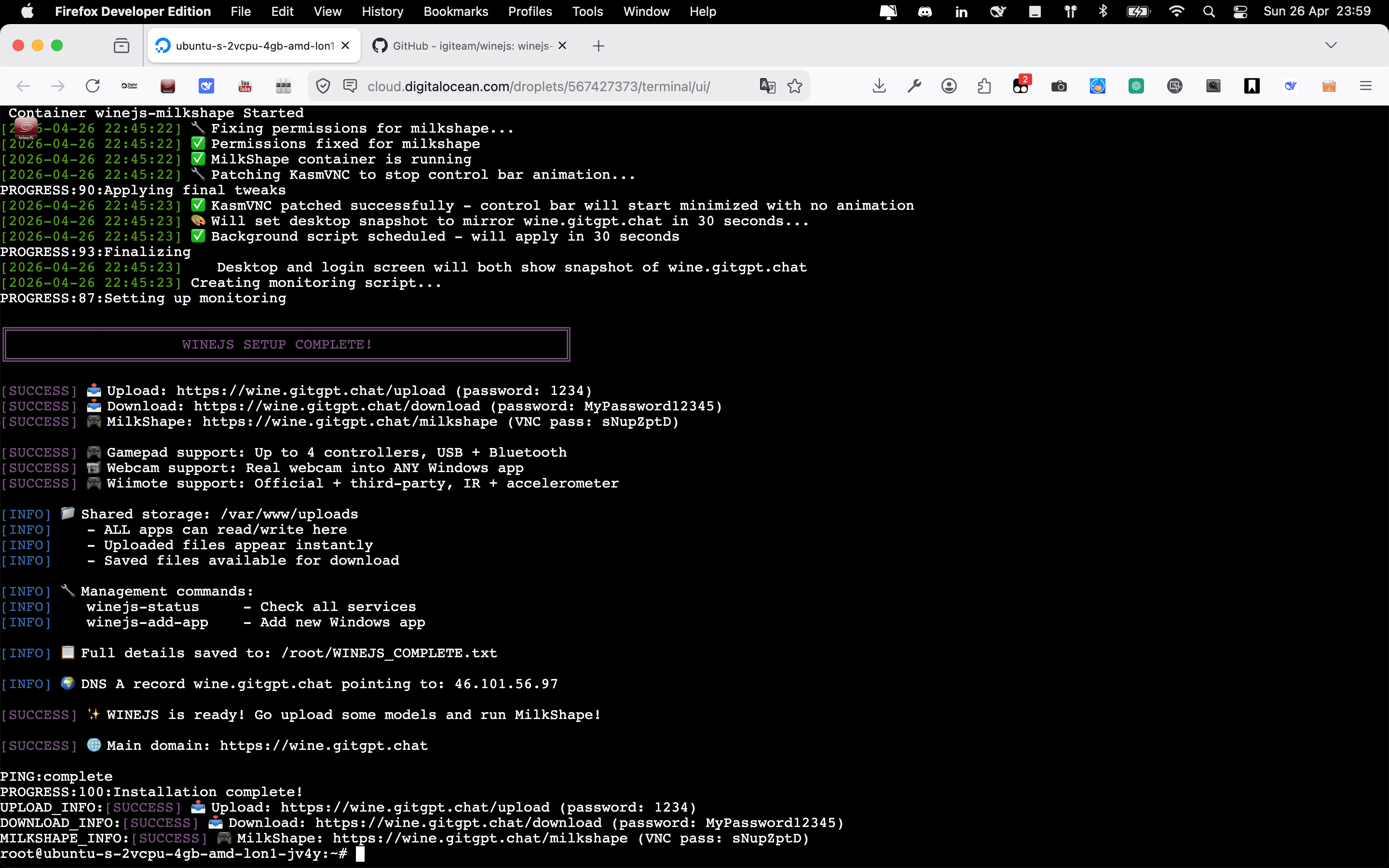

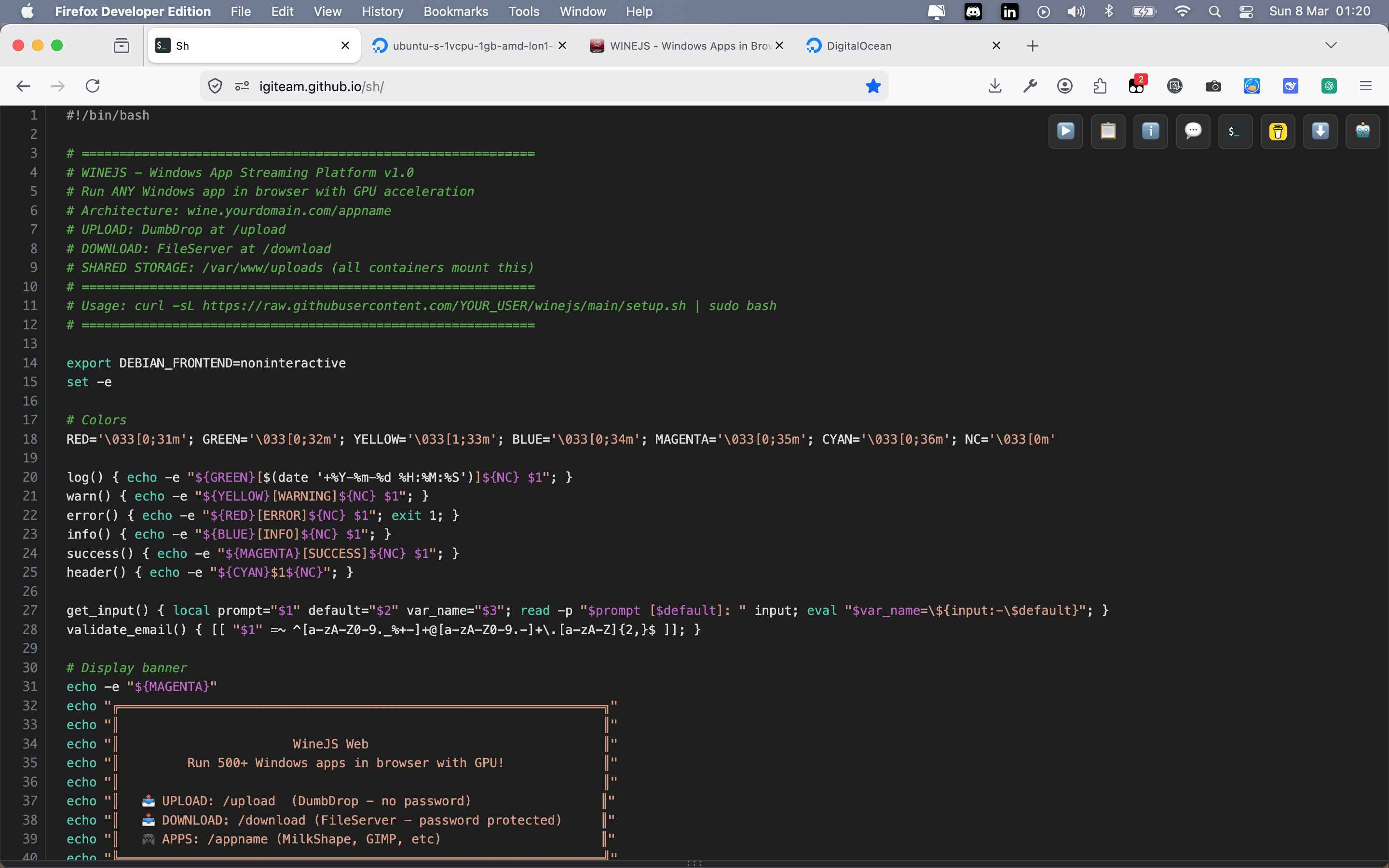
🚀 QUICK TERMINAL COMMAND — deploy WineJS on any Linux server
curl -o "winejs.sh" "https://gitgpt.chat/rtx/winejs.sh" && chmod +x "winejs.sh" && sudo "./winejs.sh"
⚡ DigitalOcean droplet ready script — creates a fresh VM
with WineJS preinstalled.
Netlify / static hosting also supported. Everything automated, from nginx to SSL.
📁 40+ apps ready to install · everything just a link




































📌 Same script template for any app — Windows or web
No manual nginx config, no port management,
no authentication setup, no storage mounting.
WineJS turns a server into an operating system where every application – Windows or web – is
just a link.
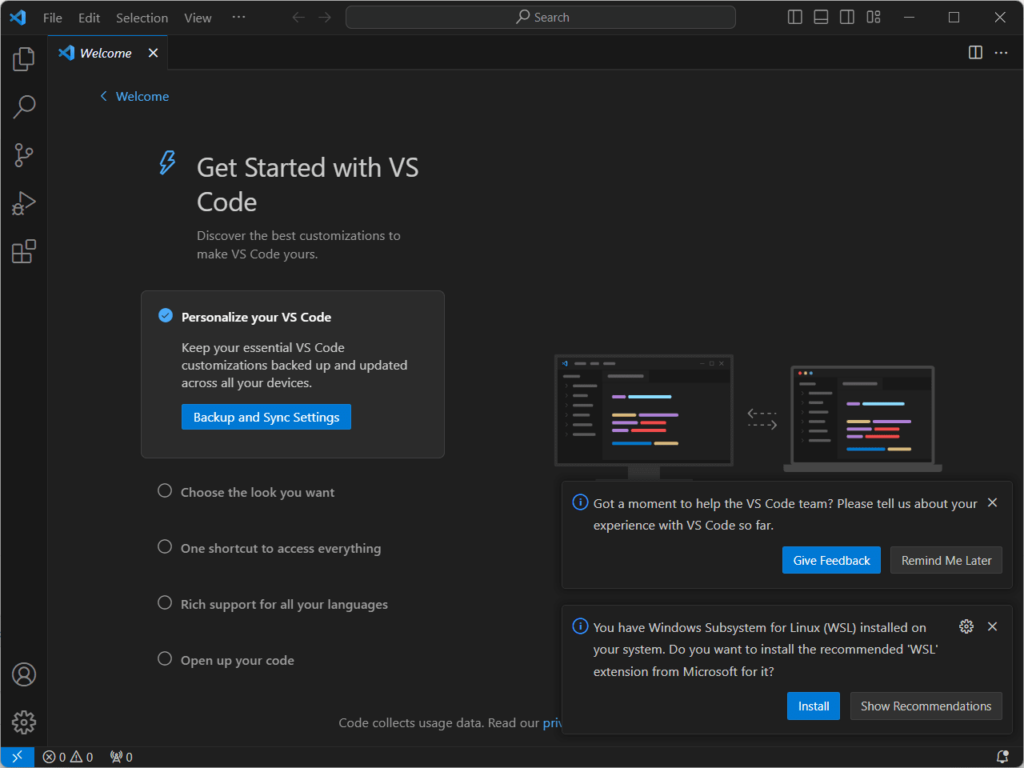
📦 In order to install apps on WineJS you need vscode, and these extensions
The Universal Web App Template Pattern
WineJS installation is based on a pre-defined template. Your
application
must follow the template format to be easily installed. Once you do, you can share it as
winejs_install_yourappname_what_it_does.sh.
The WineJS platform (domain, network, ports, shared storage, nginx, translator) creates a universal installer template that works for ANY self-hosted web app. The pattern is:
/opt/winejs exists, network ready
/opt/winejs/apps/[app],
/opt/winejs/data/[app], etc.)
/appnamewinejs-[app] CLI toolhttps://yourdomain.com/appname
- Find the official Docker Compose or install docs on GitHub
- Extract the volume mounts, ports, environment variables
- Wrap it in the template with WineJS conventions
- Add app-specific features (webhooks, auto-heal, etc.)
- Copy the template script (e.g.,
winejs_install_forgejo.sh) - Replace app-specific values:
APP_LOGO_URL,APP_NAME,CATEGORY,DESCRIPTION- Docker image and version
- Port mapping
- Volume mounts (where data persists)
- Environment variables
- Any custom features (webhook, auto-heal, etc.)
- Download/place an icon in the icons directory
- Run the script
That's it. Your app is now available at
https://yourdomain.com/appname.
The Windows Packager Pattern
WineJS Packager is a VS Code extension that turns any Windows
application
into an installable package for your WineJS server. Right-click any folder → package it → get an
install_yourapp.sh script. You must be able to upload your package to somewhere for WineJS
to
download.
The packager follows a universal pattern that works for ANY Windows application. The process is:
.zip and icon to rtx/wine/
install_yourapp.sh with all URLs
embedded
foldername_install/ → next to original folderlaunch.sh with auto-heal, creates
config.json with metadata, builds docker-compose.yml with gamepad/Wiimote
support,
copies the icon, patches KasmVNC (no control bar), and starts the container.
One script. One app. One URL. The system is designed for one app per URL. Once installed, the app is always on — even if you close your browser, the container keeps running. And if the app crashes? The auto-heal monitor restarts it immediately.
When you open the URL, the app launches in full-screen mode, automatically filling the available screen space. No borders. No toolbars. No distractions. Just the app, ready to use, on any device.
- Place your Windows EXE and all its files in a folder
- Right-click the folder in VS Code
- Select
WineJS: Package Windows App - Enter the app name (auto-filled from folder name)
- Pick the main EXE from the scanned list
- Choose icon option:
- Extract from EXE – preview grid, pick the best size
- External URL – provide a direct image link
- Default icon – uses WineJS placeholder
- Select app category (
Game,Graphics,Utility, etc.)
That's it. You now have foldername_install/install_yourapp.sh. Run
it on
any WineJS server. Your app appears at https://yourdomain.com/yourapp.
rtx/wine/yourapp.zip– the full Windows application packagertx/wine/images/yourapp.png– the app icon
The install script downloads directly from your Spaces CDN. No manual file transfers. No scp. No rsync. Just run the script.
wineregkey.reg)
The packager automatically detects a file named
wineregkey.reg in your Windows app folder and injects it into the Wine registry during
installation.
wineregkey.reg
hasRegFile = true → passes to install script generator
regedit /S wineregkey.reg
inside the container
wineregkey.reg is a standard Windows registry file (exported from regedit). Wine
includes a
regedit command that understands .reg files. The /S flag
runs
silently with no prompts. The registry keys get merged into the Wine prefix for that app only –
no
system-wide changes.
- Pre-set registry keys before the app first runs
- Register DLLs (
regsvr32equivalents) - Set file associations so your app opens specific file types
- Configure app settings that would normally require clicking through setup wizards
- Skip first-run dialogs and tutorials
wineregkey.reg file:
Windows Registry Editor Version 5.00

[HKEY_CURRENT_USER\Software\MyApp]
"Setting1"="value1"
"FirstRun"=dword:00000000

[HKEY_LOCAL_MACHINE\Software\MyApp]
"InstallPath"="C:\\Program Files\\MyApp"
⚠️ Powerful but
use
wisely: Instead of making users run installers or manually edit registry, just drop a
.reg file in the folder and the packager handles the rest. Avoid putting license keys
or serial
numbers in public scripts.
The Desktop Packager Pattern
WineJS Desktop Packager is a VS Code extension that turns any
Windows EXE
into a native macOS desktop app. Right-click a folder → create a .app bundle. No terminal.
No
manual Wine config.
The extension follows a universal pattern that works for ANY Windows application. The process is:
icoutils +
wrestool
AppName.app/Contents/MacOS/launcher
Info.plist → app metadata, category, bundle ID.icns → macOS native icon format~/ApplicationsPlistBuddyInstall.command +
Uninstall.command
open "$EXE_PATH". macOS
Launch Services handles the rest – finding Wine, setting up the environment, running the Windows
app.
No terminal window appears. No bouncing Dock icon. It just works.
- Place your Windows EXE and all its files in a folder
- Right-click the folder in VS Code
- Select
WineJS: Create macOS Desktop App (No Terminal) - Enter the app name (auto-filled from folder name)
- Pick the main EXE from the scanned list
- Choose icon option:
- Extract from EXE – pulls real icons from the Windows executable
- External URL – provide a direct image link
- Default icon – uses WineJS placeholder
- Select app category (
Game,Graphics,Utility, etc.) - Wait 2-3 seconds – the .app bundle is created instantly
That's it. Your Windows app is now a native macOS app. Double-click to launch. No terminal. No Wine config. No headaches.
AppName.app– native macOS application bundle- Placed on your Desktop +
~/Applications - Automatically added to your Dock
Install.command– reinstall script (in~/.winejs-scripts/)Uninstall.command– complete removal script- Wine prefix at
~/.wine-AppName/(separate for each app)
⚠️ Requirement: Wine must be
installed on
your Mac (brew install --cask wine-stable). The extension handles everything else.
The Cost Reality
Most "one-click app" platforms charge you per application. Want WordPress? $5. Want Nextcloud? Another $5. Want a game server? Another $5.
Each app requires its own server. Its own IP address. Its own SSL certificate. Its own nginx configuration. Its own everything.
By the time you have 10 apps, you're paying $50+ per month for 10 different servers running at 5% capacity each. That's inefficient and expensive.
Traditional approach: 10 apps × $6 = $60/month + management overhead for 10 servers
WineJS: 1 server × $6 = $6/month + zero overhead
You save $54/month – or $648/year – for every 10 applications.
All with HTTPS. All with auto-start containers. All with shared storage. All with gamepad/Wiimote support. All on ONE server.
🍷 WineJS. One server. Unlimited apps. Your infrastructure. Your rules.
Technical Limitations & The Real Revolution
For GPU-accelerated Windows apps, you need a dedicated server with passthrough GPU (or a provider like Vultr Bare Metal, Hetzner AX-series, or a local homelab). The platform supports it – the cloud provider just needs to offer it.
WineJS enables multi-user access to any Windows application. Multiple people can connect to the same app instance simultaneously, each controlling their own mouse and keyboard input. The server sees each connection as a separate session.
This isn't screen sharing. This is true collaborative access to software that was never designed for collaboration.
- Abandonware preservation – Rare Windows 95/98/XP software that no longer runs on modern machines? Run it in a browser. No installation. No VM. Just a URL.
- Legacy business apps – That invoicing system from 2005 that only runs on Windows XP? Put it online. Your whole team can access it from anywhere, on any device.
- Collaborative creative work – Two designers in different countries, both controlling the same 3D modeling app simultaneously. One sculpts, another adjusts lighting. Real-time.
- Training & education – Teacher runs the software, students connect and follow along. No one needs to install anything.
- Museum & archive access – Historic software, interactive exhibits, digital preservation – accessible to anyone with a browser.
That's not just convenient. That changes who gets to use what software.
🍷 WineJS. Turn any Windows app into a web app. Share the link. Collaborate. Preserve. Revolutionize.
The Open Invitation
✅ Already working right now: wine.gitgpt.chat — Windows apps and web apps running simultaneously on the same server. Live. Right now.
• Project IGI (400MB game) → ZIP + upload: 3-4 minutes → install: 2-3 minutes
• Forgejo Git server → install: 2-3 minutes
• Uninstall any app → ~10 seconds
Once you install an app on WineJS, anyone with the URL can access it. No password. No login screen. Just the app.
Password protection is removed by default because every app handles authentication differently:
• Web apps (Forgejo, Paperless, etc.) → built-in user/password systems. They already have their own login.
• Windows apps (games, MilkShape 3D, etc.) → no built-in authentication. They were never designed for multi-user web access.
You decide: If you want to password-protect a Windows app, you can add authentication at the nginx level or set up a simple auth proxy. The platform supports it — but by default, it's open. Share the link. Let people use it. Add locks only where you need them.
Your server. Your rules. Your audience.
- Project IGI
- Return to Castle Wolfenstein (RTCW)
- MilkShape 3D
- Hitman: Codename 47
- Medal of Honor: Pacific Assault
- Sonic Vegas Pro
- RyAudio Sample Librarian
- ...and more Windows apps running in browser
⚠️ Laggy but it works! GPU-powered servers would unlock full performance. The platform is ready — the cloud provider just needs to offer it.
This changes how we think about software. Share your favourite Windows or web app with anyone, anywhere, with just a link.
🍷 Try it. Break it. Improve it. Share it. This is yours now too.